

Five things to check before you buy a refurbished laptop
A refurbished laptop can save you hundreds. These five checks separate a bargain from someone else's problem.
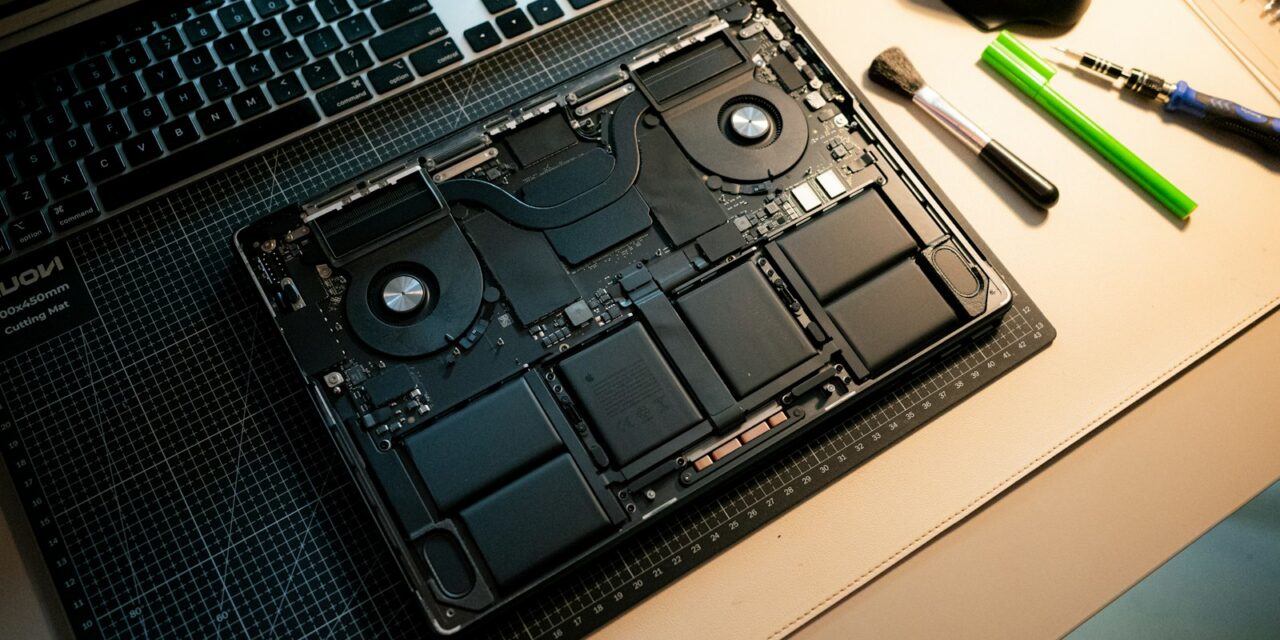
A refurbished laptop is one of the best deals in tech. Business machines that cost well over a thousand dollars new often resell for a third of that after a few years of office use, and they were built to last. The catch is that “refurbished” has no fixed meaning. It can describe a factory-restored machine with a new battery, or a used one that somebody wiped with a cloth.
Check these five things before you pay.
1. Who refurbished it, and what happens if it fails
This matters more than the specs. In rough order of confidence:
- Manufacturer refurbished. Restored by the company that made it, usually with a warranty close to a new one.
- Certified refurbisher. A third party that tests to a published standard and offers its own warranty.
- Marketplace seller. Quality depends entirely on the individual seller.
Look for a warranty of at least 90 days, ideally a year, and a return window of 14 to 30 days. A seller that offers neither is telling you something. Also confirm the laptop is free of locks: no firmware password, no previous owner’s account still attached, and no company management software.
2. Battery health
The battery is the part most likely to be worn out. Ask for two numbers: the cycle count, and the current capacity as a percentage of the original design.
Under 80 percent capacity means noticeably shorter life away from the charger. Many good refurbishers guarantee a minimum, often 80 percent, or fit a new battery. If the listing says nothing about the battery, ask. If the answer is vague, assume it is tired and budget for a replacement.
Once it arrives, check it yourself. Windows can produce a battery report from the command line, and a Mac shows cycle count and condition under System Information.
3. How long the software will be supported
A laptop that no longer gets security updates is a risk on the internet, however fast it is.
- Windows. Windows 10 reached the end of free support in October 2025. Buy only machines that officially run Windows 11, which in general means a processor from about 2018 or later. Check the exact model against Microsoft’s requirements.
- Mac. Apple supports its computers for many years, but older Intel models are being left behind. An Apple silicon Mac is the safer used buy.
- Chromebook. Every Chromebook has a published date when automatic updates stop. Look it up for the exact model before buying, because a cheap Chromebook near that date is no bargain.
4. Memory and storage, and whether you can upgrade them
For comfortable everyday use, look for 16 GB of memory and a solid-state drive of at least 256 GB. Treat 8 GB as the floor.
Then find out what can be changed later. On many business laptops the memory and drive are replaceable with a screwdriver, which makes a cheap machine easy to improve. On many thin models both are soldered in place, so what you buy is what you keep. Ask about the drive’s health, too. SSDs wear with use, and a reputable seller will have tested it.
5. What the cosmetic grade really covers
Sellers grade condition, typically A for near-perfect down to C for visible wear. Grades describe looks, not function, and every seller defines them differently. Read the definition.
Scratches on the lid are harmless. These are not:
- bright spots, lines or dead pixels on the screen
- worn or sticky keys, or a trackpad that misses clicks
- a loose hinge
- a charging port that wobbles
Test all of them, plus the webcam, speakers and every port, on the day it arrives while the return window is open.
The short version
Buy from a seller with a real warranty, get the battery numbers in writing, confirm the machine will receive updates for years, and test everything in the first week. Do that, and a refurbished laptop is the smartest money you can spend on a computer.