

How a digital driver’s license works, start to finish
What sits on your phone, who can read it, and what the person checking it never sees.
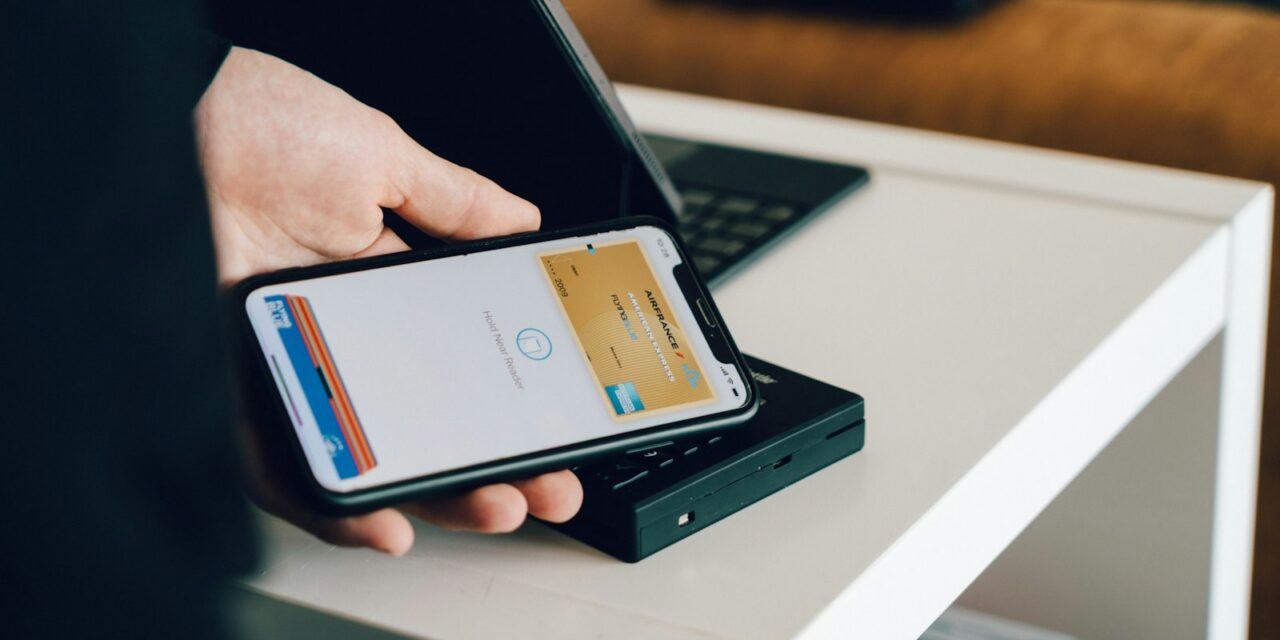
A driver’s license on your phone sounds like a photo of your card. It is nothing like that. A mobile driver’s license, or mDL, is a set of digitally signed facts about you that your phone can prove are real, one fact at a time. That design is what makes it more private than plastic in some ways, and it is also where the open questions are.
Where things stand
Arizona issued the first one in March 2022. As of this fall, 21 states and Puerto Rico offer some form of mobile license, and TSA accepts eligible ones at more than 250 airport checkpoints. Colorado joined that list at the start of September.
Depending on the state, the license lives in Apple Wallet, Google Wallet, Samsung Wallet or the state’s own app.
Step 1: Getting it onto your phone
You start in the wallet or state app. It asks you to scan the front and back of your physical card and take a selfie, sometimes with a few head movements to show you are a live person.
That information goes to your state’s motor vehicle agency, which checks it against its own records. If it matches, the state issues the digital license to that specific phone.
Step 2: What is actually stored
The state does not send a picture of a card. It sends your individual details, such as name, date of birth, address, photo and license class, as separate items. Each one is covered by the state’s digital signature.
The license is also bound to a cryptographic key held in your phone’s secure hardware, the same protected chip that guards payment cards. That key cannot be copied off the device. A screenshot or a backup of the license is useless on any other phone.
Step 3: Showing it
Here is the part that differs most from handing over a card.
- You hold your phone near a reader or scan a QR code. You keep the phone in your hand.
- The reader asks for specific items. A bar might ask only “is this person over 21?” TSA asks for more.
- Your phone shows you exactly what is being requested.
- You approve with your face, fingerprint or PIN.
- Only the approved items are sent.
This is called selective disclosure. A liquor store clerk who looks at your plastic license sees your home address and exact birth date. With a mobile license, the same check can return a yes or no on your age and nothing else.
Step 4: How the checker knows it is real
The reader verifies two things. First, that the state’s signature on the data is valid, which proves the details have not been altered. Second, that your phone holds the private key the license was issued to, which proves it is not a copy.
Both checks can happen without contacting the state. The shared technical standard, ISO/IEC 18013-5, is designed so verification works offline between your phone and the reader.
What the checker never sees
- Any detail they did not ask for and you did not approve.
- The rest of your phone. Your device stays locked, and you never hand it over.
- Your face or fingerprint data. That only unlocks the license on your own device.
The limits
It does not replace the card yet. TSA still advises travelers to carry a physical ID as a backup. Acceptance by police, banks, bars and rental counters varies by state and by business, and plenty of places have no reader.
Online use is newer. A companion standard covers proving your identity to a website or app. It is rolling out, but far fewer services support it.
Tracking is the live debate. Because verification can work offline, the state does not need to know where you showed your license. Privacy groups want that guaranteed in law and in every implementation, since a system that checked in with the issuer on each use could build a record of your movements. How each state and wallet handles this is worth asking about.
A dead battery is a real problem. Some phones can present a license for a while in low-power mode. Many cannot.
Should you get one?
If your state offers it, setup takes ten minutes and it makes airport ID checks quicker. Keep the plastic card in your wallet. For now, the mobile license is a convenient second copy with better privacy, not a replacement.