

How to choose a laptop for travel
The best travel laptop is the one you stop noticing in your bag. Weight, battery and charging matter more than raw speed.
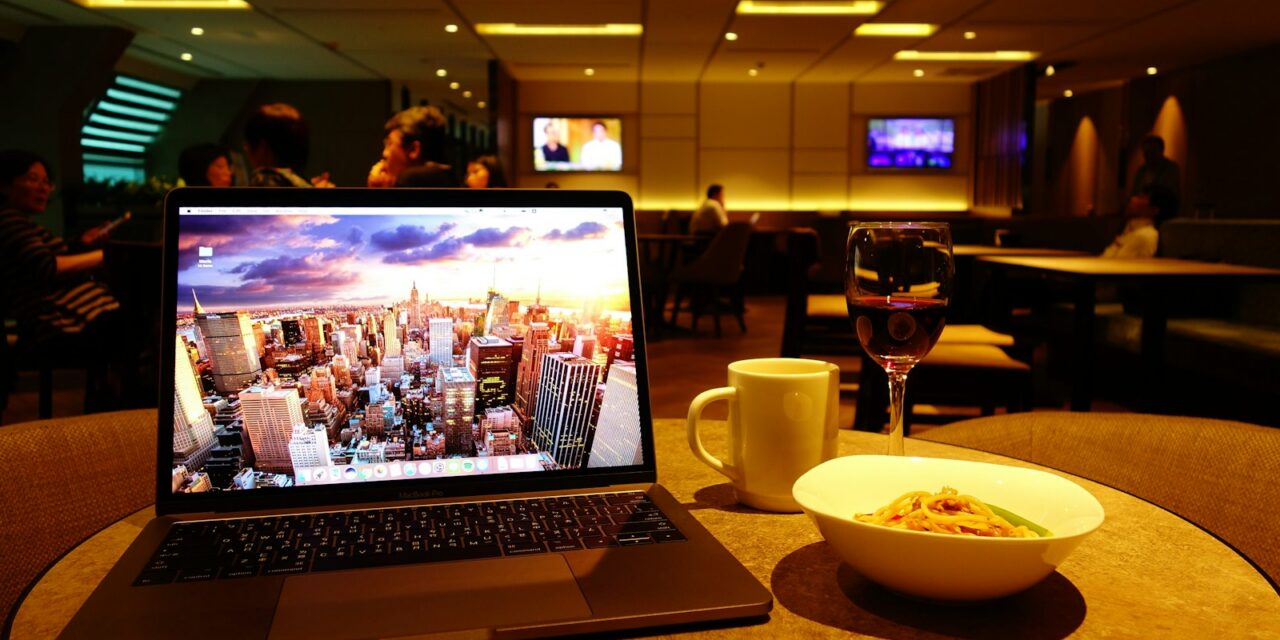
A laptop that lives on a desk can be big, heavy and power-hungry. One that lives in a backpack cannot. If you work from airports, client offices and hotel rooms, a few things matter far more than benchmark scores.
Weight, including the charger
Under three pounds is the comfortable zone for carrying all day. Under two and a half is where you stop noticing it.
Always add the charger. A light laptop with a brick of a power adapter is not a light setup. Check the combined weight, and prefer models that charge over USB-C so one compact charger can serve your laptop, phone and earbuds.
Battery life you can trust
Manufacturer figures come from gentle tests, typically video playback at low brightness. Real work with a browser, video calls and a bright screen uses much more.
A sensible rule: take roughly two-thirds of the claimed figure. For a full working day away from an outlet, look for a claim of 15 hours or more, and check independent tests.
Processor choice matters here. Laptops with the newer low-power chips, including Apple’s own and the current Arm-based and efficiency-focused Windows processors, last far longer and run cooler than older designs. If you buy an Arm-based Windows laptop, confirm that any specialist software you depend on runs on it.
Charging on the road
- USB-C charging means you can borrow a charger almost anywhere and top up from a power bank.
- Charger wattage. A small 65-watt charger suits most thin laptops. Higher-performance models need more.
- Ports on both sides let you plug in from whichever side the outlet is on, which matters more than it sounds in a cramped seat.
A screen for bad lighting
You will use it next to windows, under harsh overhead lights and occasionally outdoors.
- Brightness. 400 nits or more handles bright rooms. Less than 300 is a struggle near a window.
- Finish. A matte or anti-glare screen cuts reflections. Glossy screens look richer but mirror everything behind you.
- Size. A 13 or 14-inch screen balances usability and weight. A taller 16:10 or 3:2 shape shows more of a document.
Ports and dongles
Thin laptops drop ports. Decide what you plug in regularly: a projector or TV (HDMI), a memory card, a USB drive, wired internet. If the laptop lacks them, a small hub solves it, but that is one more thing to carry and to lose.
Built to be carried
- Chassis. Aluminum, magnesium or carbon fiber survives travel better than thin plastic.
- Keyboard. You will type on it for hours. If you can, try it in a store.
- Webcam and microphones. Video calls from hotel rooms are a fact of life. A 1080p camera is the minimum worth having.
- Privacy. A physical webcam shutter and a fingerprint reader or face unlock are useful in public places.
Specs that are enough
For office work, browsing and video calls, 16 GB of memory and a 512 GB solid-state drive will stay comfortable for years. More is rarely needed unless you edit video or run heavy software.
Worth considering
- Mobile data built in. Some business laptops can take a cellular plan, which saves relying on public Wi-Fi.
- Repairability and warranty. A replaceable battery and drive extend a laptop’s life. International warranty cover matters if you travel abroad.
The short version
Pick the lightest laptop with a bright screen, USB-C charging and a battery claim of 15 hours or more, with 16 GB of memory. Everything else is preference.